Resume evidence
Maintained lifecycle dashboards and documented renewal reporting definitions.
Resume-to-job matching
Compare your resume with the full posting, clarify important gaps, and emphasize the strongest truthful overlap for that role.
$2.99 one-time. Includes one tailored resume, one regeneration, and a selectable PDF. No subscription.
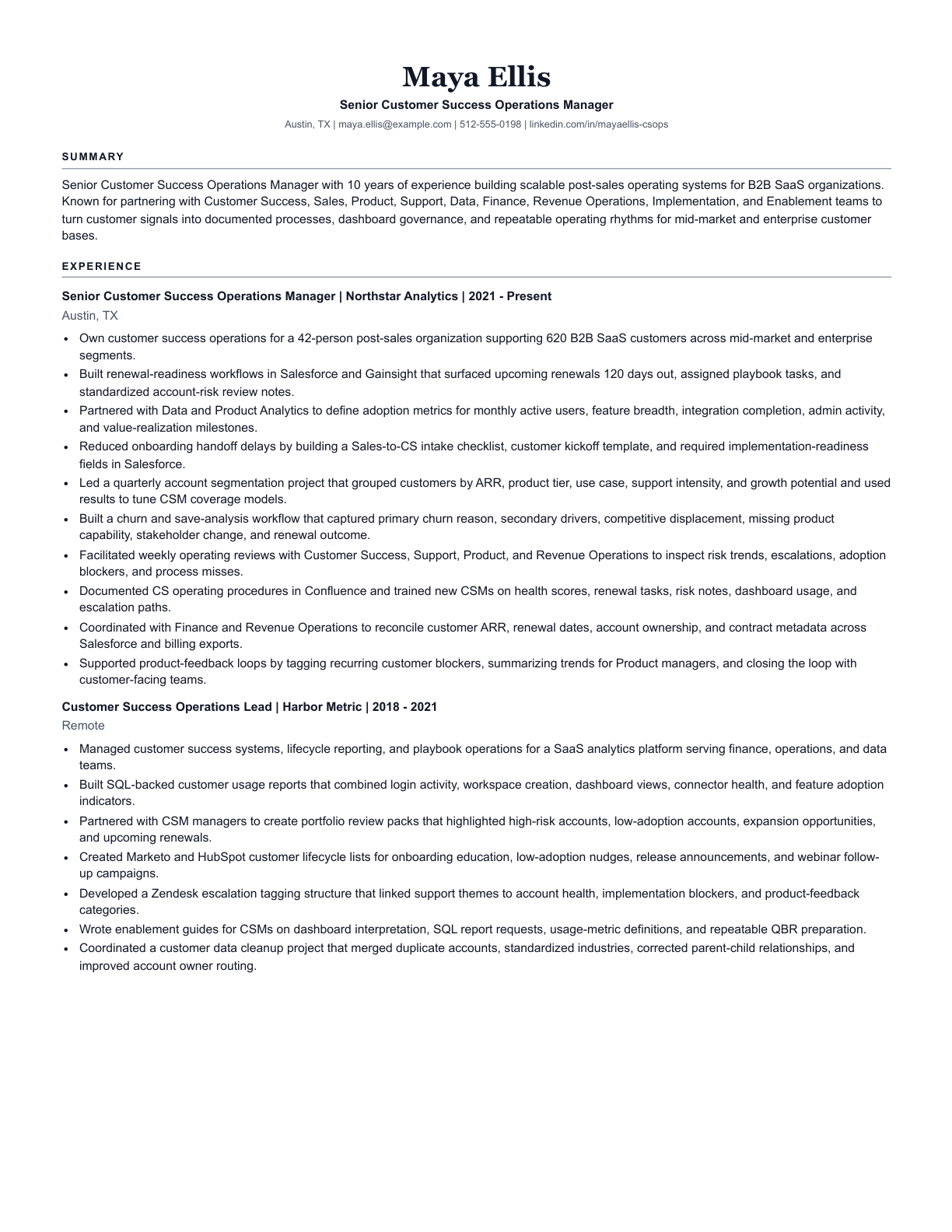
Resume Assist parses the experience in your resume and the responsibilities, tools, credentials, and priorities in the job description. It then maps direct and transferable matches before writing the draft.
When a material requirement is unclear, paid sessions can ask focused questions. Skipped or unsupported requirements remain gaps rather than becoming resume claims.
The result uses the employer's language only where your resume or clarification answers support it.
Maintained lifecycle dashboards and documented renewal reporting definitions.
Build renewal-readiness workflows and improve customer-risk visibility.
Maintained lifecycle dashboards and renewal reporting definitions that improved visibility into upcoming customer risk.
Responsibilities, tools, credentials, and domain language are compared against resume evidence.
Up to five focused questions can confirm useful facts that were unclear in the uploaded resume.
Truth, job fit, AI visibility, matched themes, and remaining gaps stay visible in private notes.
Yes. The full posting gives Resume Assist the clearest view of responsibilities, required tools, credentials, location expectations, and role priorities.
Resume Assist uses supported transferable experience, chooses a truthful broader headline, and keeps unsupported requirements in private notes.
Each paid session is built around one resume and one target job description. Start a new session for a different role.
$2.99 includes one tailored resume, one requested regeneration, template switching, and a selectable PDF.